Why Wear the Galaxy Ring and Galaxy Watch Together?
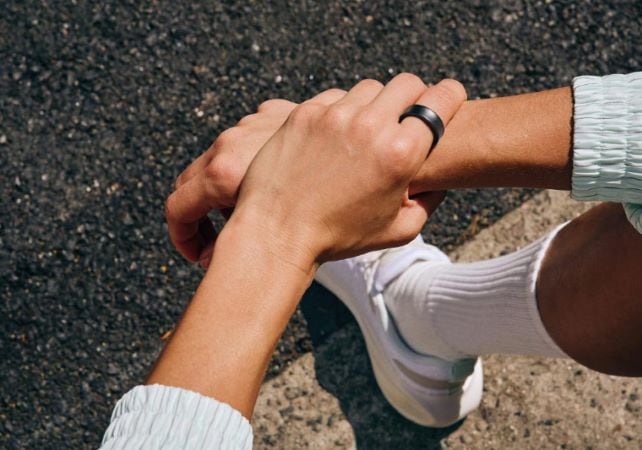
Discover the benefits of wearing Samsung Galaxy Ring and Galaxy Watch together for continuous health tracking, integrated data analysis, extended battery life, and backup tracking.
What Are the Benefits of Wearing Samsung Galaxy Ring and Watch Together?
Wearing the Samsung Galaxy Ring and Galaxy Watch simultaneously offers several advantages, including continuous health tracking, integrated data management, extended battery life, and backup tracking. These benefits ensure seamless health monitoring and comprehensive insights through the Samsung Health app.
1. Why Should I Wear Samsung Galaxy Ring and Watch Together?
Using both the Galaxy Ring and Galaxy Watch together enhances your health monitoring experience by providing continuous data collection, integrated insights, and improved battery efficiency. Here are the key benefits:
- Continuous Health Tracking: With both devices, you can maintain ongoing health monitoring throughout the day. While one device is charging, the other continues to track your health metrics, ensuring no data is missed.
- Integrated Results: Data from both devices is managed and analyzed in the Samsung Health app, offering comprehensive insights into your health and wellness.
- Extended Battery Life: Wearing the Galaxy Ring with the Galaxy Watch can extend the Ring's battery life by up to 30%. The Galaxy Watch acts as the primary device, conserving the Ring's power by disabling certain features except for heart rate and sleep measurements.
- Backup Tracking: If the Galaxy Watch runs out of battery or cannot record data, the Galaxy Ring automatically resumes tracking, ensuring your health measurements remain updated.
2. What Are the Supported Samsung Galaxy Devices?
The Galaxy Ring and Galaxy Watch combination is compatible with the latest Samsung Galaxy devices, including the Galaxy Watch 6 series and future models. Ensure your devices are updated to the latest software version for optimal performance.
3. Why Might Data Integration Take Time?
Data integration from multiple devices like the Galaxy Ring and Galaxy Watch may take time due to varying sync times. This can occasionally lead to discrepancies in the Samsung Health app. Regularly syncing your devices and ensuring they are connected to a stable network can help minimize these issues.
4. Additional Things to Check
- Ensure both devices are connected to the same Samsung account for seamless data synchronization.
- Regularly update the Samsung Health app and your devices' firmware to benefit from the latest features and improvements.
- Check the battery levels of both devices to avoid interruptions in health tracking.
Related Samsung Support Topics
Thank you for your feedback!
Please answer all questions.